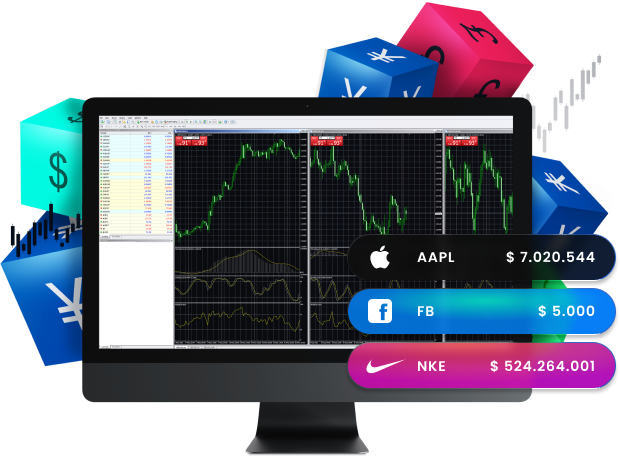
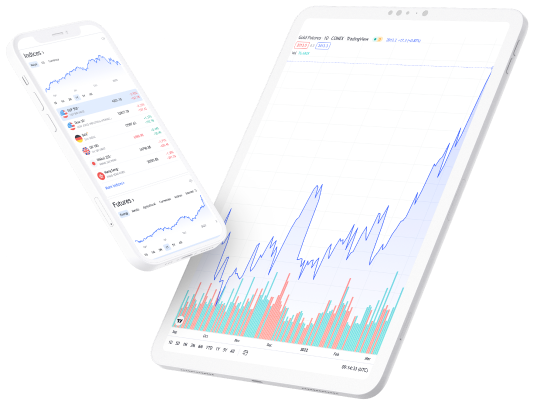
The most popular trading platform in the industry, the MetaTrader 4 trading platform, also known as MT4, is the most reliable platform a trader can use. Moreover, it is easy to use, with advanced charting tools and online streaming news. As a result, MT4 provides a great way to access the markets successfully. In addition, it is available across multiple devices and is compatible with Windows, macOS, Android, and any internet browser.
All trading involves risk. It is possible to lose all your capital.
All trading involves risk.
It is possible to lose all your capital.
MetaTrader 4 for Windows
MetaTrader 4 provides a range of tools and features to help you carry out analysis and customize your trading experience. Furthermore, you can also use these tools to help you build trading algorithms, which can automate your trading. Additionally, you can trade over 300 financial instruments in Forex, CFDs, metals, futures, shares, indices, and commodities from your desktop with MetaTrader 4.
Enter your real or demo account login credentials (username and password provided in your T4Trade welcome email).
Start trading.
Visit our FAQ page for more information on the MT4 platform for Windows
User guide for MT4 Windows
If you have any issues with downloading the platform, please check our MT4 user guide for Windows.
Why trade on MetaTrader 4 with T4Trade?
MetaTrader 4 is, without a doubt, the world’s most popular trading platform. This is mainly due to the easy usability and feature-rich environment of the platform.
T4Trade’s MetaTrader 4 platform is designed to take your trading to the next level. With this platform, you can enjoy flexible leverage, choose between different account types, and moreover, benefit from excellent trading conditions and mobile trading.
All trading involves risk. It is possible to lose all your capital.
All trading involves risk.
It is possible to lose all your capital.
MetaTrader 4 Advanced for Windows
T4Trade’s MetaTrader 4 Advanced platform is equipped with front-end terminals and back-office reporting functions. Additionally, it provides access to the industry’s latest trading features, such as permitted automated strategies and the built-in ability to use EAs (Expert Advisors).
Moreover, the platform combines perfectly with any of our trading accounts to provide the essential tools you need to analyse the market and enhance your trading strategy.
This website is not directed at EU residents and falls outside the European and MiFID II regulatory framework.
Please click below if you wish to continue to T4Trade anyway.