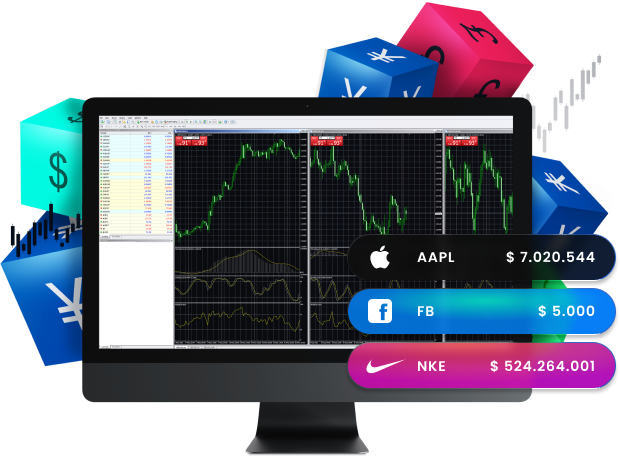
업계에서 가장 인기 있는 거래 플랫폼인 MetaTrader 4, 즉 MT4는 트레이더가 사용할 수 있는 가장 신뢰할 수 있는 플랫폼입니다.
또한, 고급 차트 도구와 온라인 스트리밍 뉴스 기능을 갖추고 있어 사용이 매우 간편합니다.
그 결과, MT4는 시장에 성공적으로 접근할 수 있는 훌륭한 방법을 제공합니다.
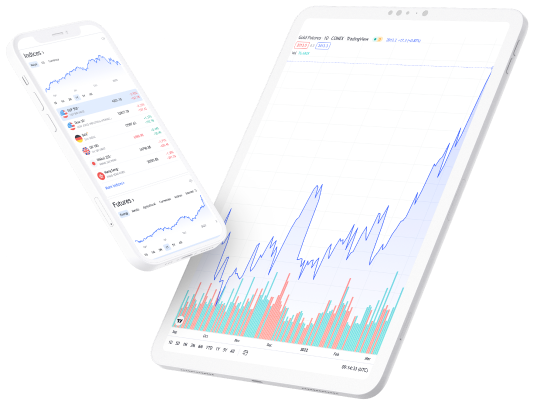
게다가 다양한 기기에서 사용 가능하며, Windows, macOS, Android, 그리고 모든 인터넷 브라우저와 호환됩니다.
MetaTrader 4는 분석을 수행하고 사용자 맞춤 설정을 도와주는 다양한 도구와 기능을 제공합니다 트레이딩 경험. Furthermore, you can also use these tools to help you build trading algorithms, which can automate your trading. Additionally, you can trade over 300 financial instruments in 외환, CFDs, 금속, 선물, 주식, 지수, 그리고 원자재 from your desktop with MetaTrader 4.
실제 또는 데모 계정 로그인 자격 증명(T4Trade 환영 이메일에 제공된 사용자 이름과 비밀번호)을 입력합니다.
거래를 시작하세요.
Visit our FAQ page for more information on the MT4 platform for Windows
User guide for MT4 Windows
If you have any issues with downloading the platform, please check our MT4 user guide for Windows.
Why trade on MetaTrader 4 with T4Trade?
MetaTrader 4 is, without a doubt, the world’s most popular 거래 플랫폼. This is mainly due to the easy usability and feature-rich environment of the platform.
T4Trade’s MetaTrader 4 platform is designed to take your trading to the next level. With this platform, you can enjoy flexible leverage, choose between different 계좌 유형, and moreover, benefit from excellent trading conditions and mobile trading.