macOS MetaTrader 4

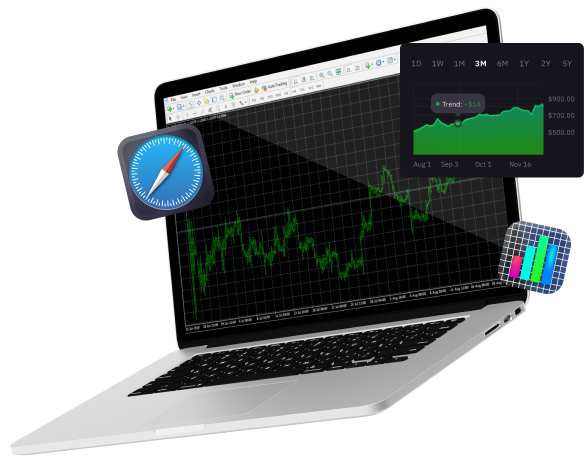
A Portable Hub for Real-time Financial Insights and Informed Trading Decisions.
T4Trade Logo on a Black Background: A Striking Emblem of Financial Excellence and Trading Precision
Blue circle on black background
a red cycle with black background
Blue Cycle on Black: A Symbol of Endless Motion
A laptop displaying the Windows operating system on its screen.

Windows,

White laptop with blue apple logo

MacOS

Icon Representing Apple the MetaTrader 4.

iPhone/iPad

Seamlessly Access and Manage Forex Markets with the Power of Mobile Trading on Android.

安卓,

下載並開始交易
在 macOS 的 MT4 上

在您Mac设备上体验Windows版MT4的相同功能和特点.在 Mac上使用MT4交易,体验无重复报价和灵活杠杆交易 . 其易于使用的先进基础设施和功能,例如图表,警报和分析工具等.

所有交易都涉及风险。您可能损失所有的资本。

所有交易都涉及风险.
可能会使您失去全部本金.

通过MT4进入全球金融市场

外匯市場 已成為全球最大且最受歡迎的金融市場之一,越來越多用戶投入線上交易。新一代的交易者正從外匯市場的波動性、高流動性與靈活槓桿中獲益。隨著這股向線上交易的轉變, 交易平台 在其中扮演了重要角色,並使非專業交易者能夠進入外匯交易市場。

多年來,MetaTrader 4 一直是最受歡迎的交易平台,用於交易外匯及其他金融工具,例如 CFDs, 期貨, 指數,和 商品。此平台可搭配智能交易系統(EA)運作,讓交易者可透過在 MT4 平台內設置演算法交易程式來自動化交易。

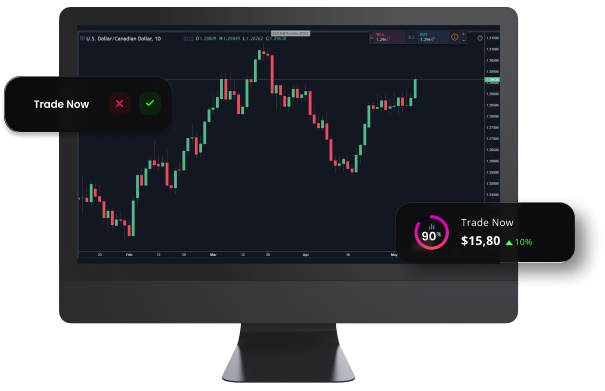
Monitor Displaying Real-time Financial Data for Informed Trading Decisions.

支持WebTrade有以下设备

Green Tick: Symbol of Approval, Success, and Positive Outcome.

Windows,

Green Tick: Symbol of Approval, Success, and Positive Outcome.

MacOS

Green Tick: Symbol of Approval, Success, and Positive Outcome.

安卓,

Green Tick: Symbol of Approval, Success, and Positive Outcome.

Any Internet Browser

White laptop with blue apple logo

Mac版MT4 - 功能

如何登录 MacOS 版 MT4

A blue and gray sphere with a speech bubble, representing communication and interaction.

访问我们常见问题页面,了解有关 macOS版 MT4 平台的更多信息

Navigate the World of Trading with Step-by-Step Instructions for Mac Users.

MacOS 版MT4 用户指南

阅读用户指南,了解如何下载、安装和使用macOS版MT4 平台.

今天开始. 利用300多种产品的优越条件,探索差价合约交易.